Developed an accessible practice system for beginner violinists who are unable to afford private lessons.
Role
Product Designer
Individual Project
Timeline
16 weeks
Keywords
UI/UX, Learning design, User research, Interaction design
Overview
The price of private violin lessons poses a barrier to many families who want their children to participate in musical extracurriculars. Through this research, I aim to understand how I can design a self-sufficient guided learning system for beginner violinists that increases the accessibility of music education.
Solution
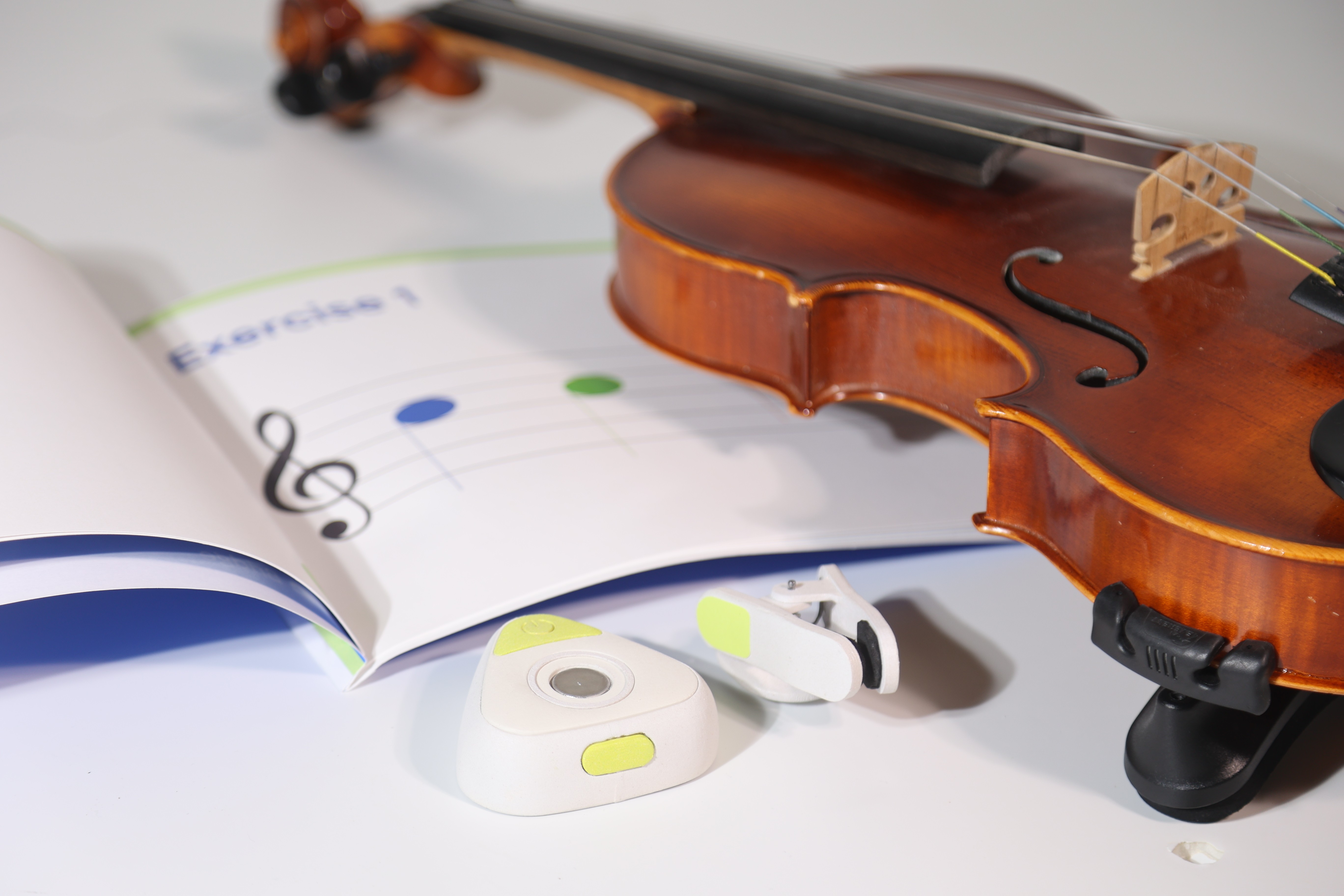
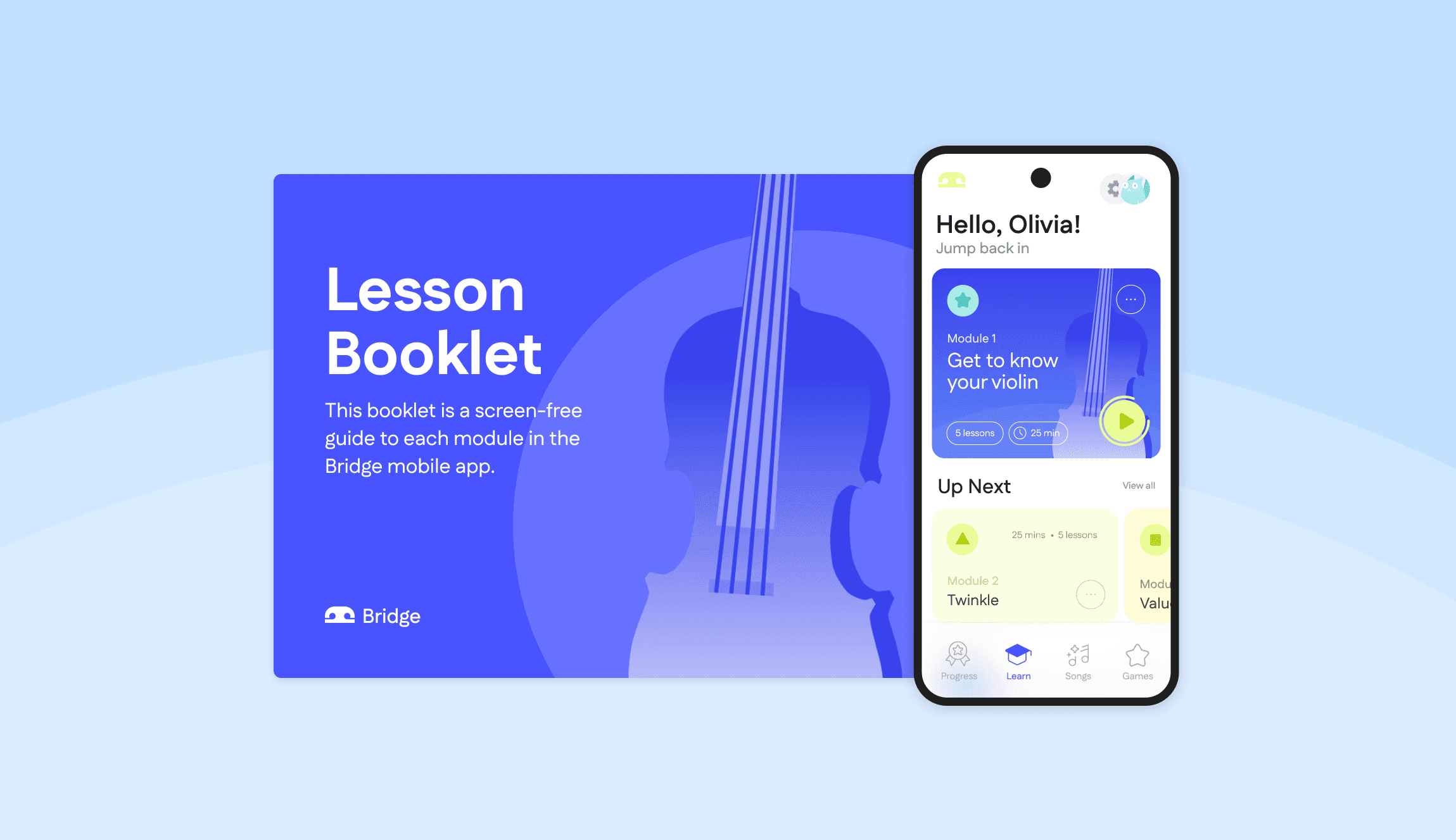
I developed a more cost-effective learning system for beginner violinists who cannot attend weekly in-person lessons, including a mobile app, lesson booklet, and learning device.
It supports young learners and caregivers by blending traditional approaches with emerging technologies, creating an engaging, motivating, and approachable way to extend violin instruction beyond the lesson room.
On average, private violin lessons cost $320 per month.
How can I lower the barrier to learning the violin by improving the quality of affordable music education?
Identifying a Problem Scope — Interviews with Self-taught Students and Public School Instructors
Who I interviewed
Band teacher
Choir teacher
2 Orchestra teachers
Self-taught musician
Professional lessons teacher
Lessons student
Insights
Students lack motivation when practicing at home
Beginners often lack motivation to practice when results are not instant
The violin is intimidating and unapproachable
Learning the violin is an intimidating hobby and many new users don’t know where to start
Online learning platforms lack structure and feedback
Online music courses are not an immersive experience, as they do not offer real-time feedback and interaction
Private lessons are a major financial commitment
For low-income families, it is difficult to become involved in extracurricular lessons.
Competitive Analysis
While mobile music lesson apps are cost-effective, they lack interactive learning.
LOW COST
LOW INTERACTIVITY
HIGH COST
HIGH INTERACTIVITY

Comparing mobile music lesson apps to interactive learning instruments
Observing Music Lessons
Observing traditional music lessons through YouTube helped me digest how professionals design a learning curriculum for beginners. ↓

Insights — Good Music Curriculums Include
Slow progression and adoption of skills over time
Target specific skills with playing exercises
Start simple and grow more complex
Are enjoyable and engaging
Design Goals
Instill confidence in users
Through guided visual learning
Improve the quality of affordable music education
for beginner violinists who are practicing outside of school
Motivate beginners
by creating an interesting practice environment
Support measurable progress
through data informed feedback
Prototyping a Mobile App
ROUND 1




ROUND 2
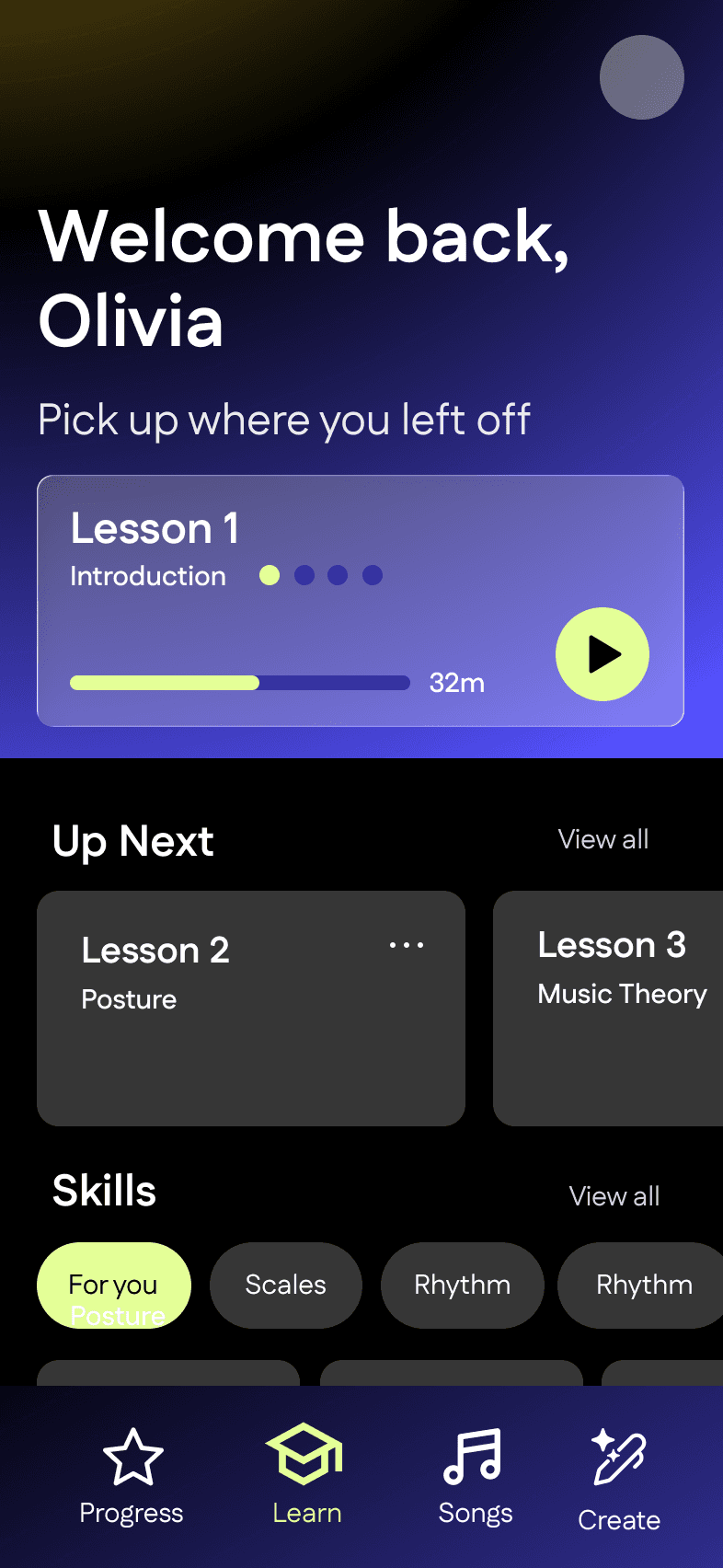

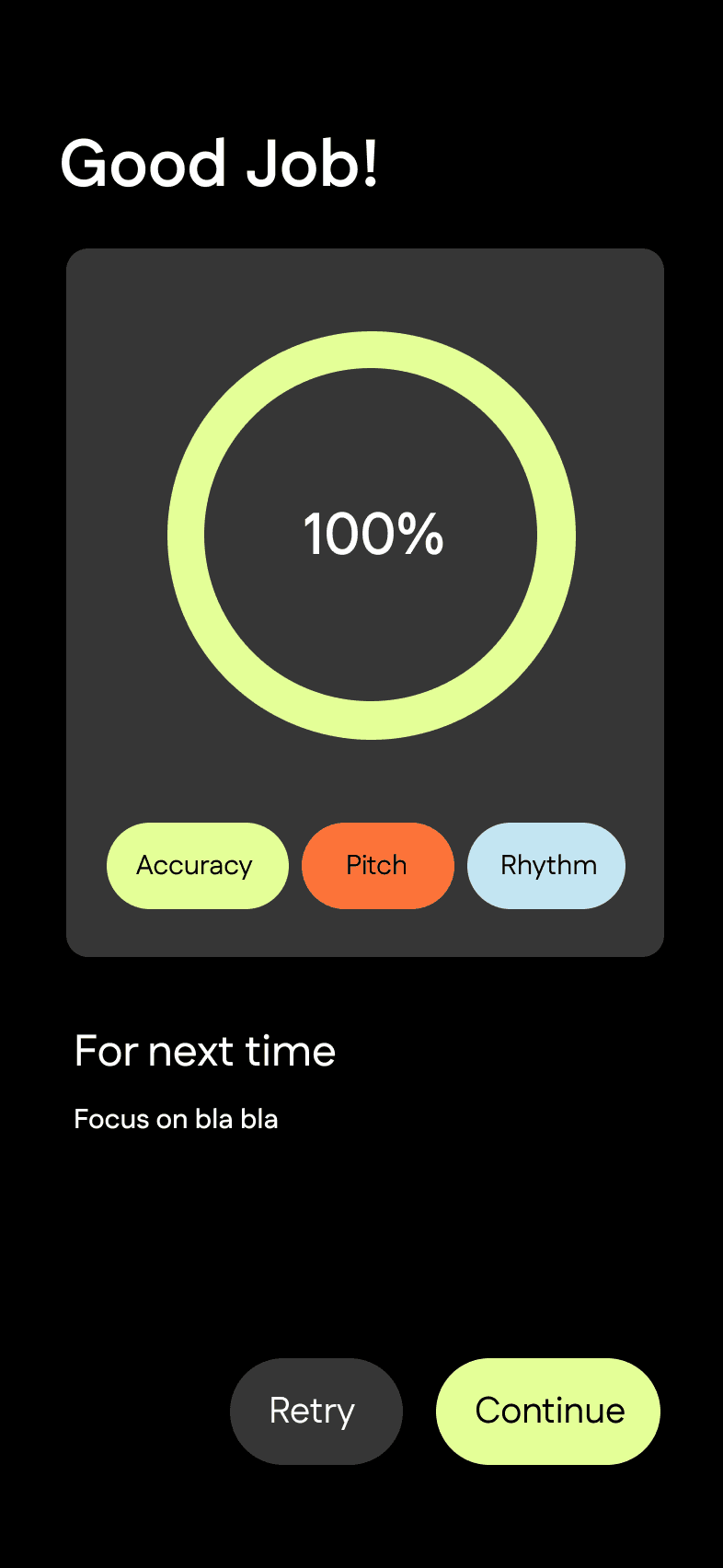

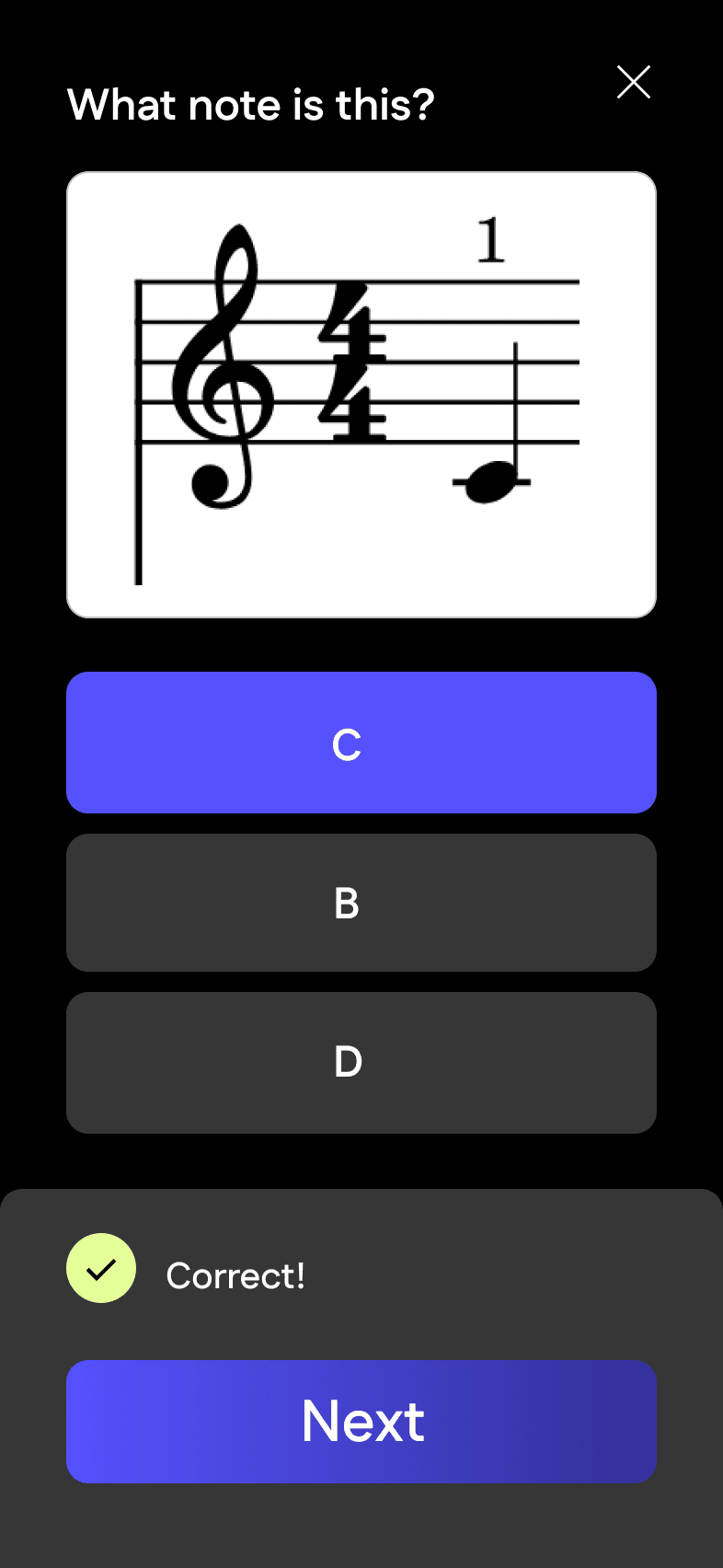
ROUND 3

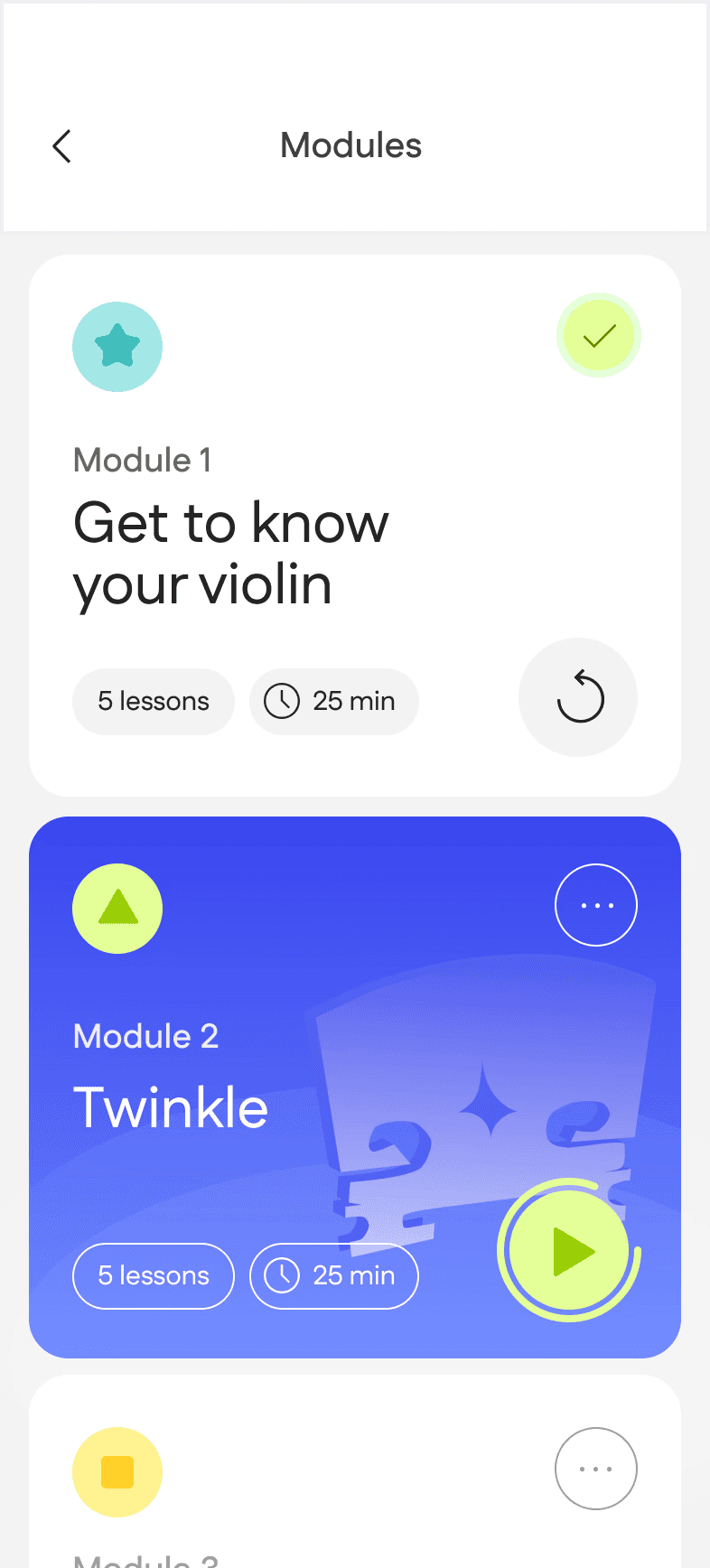


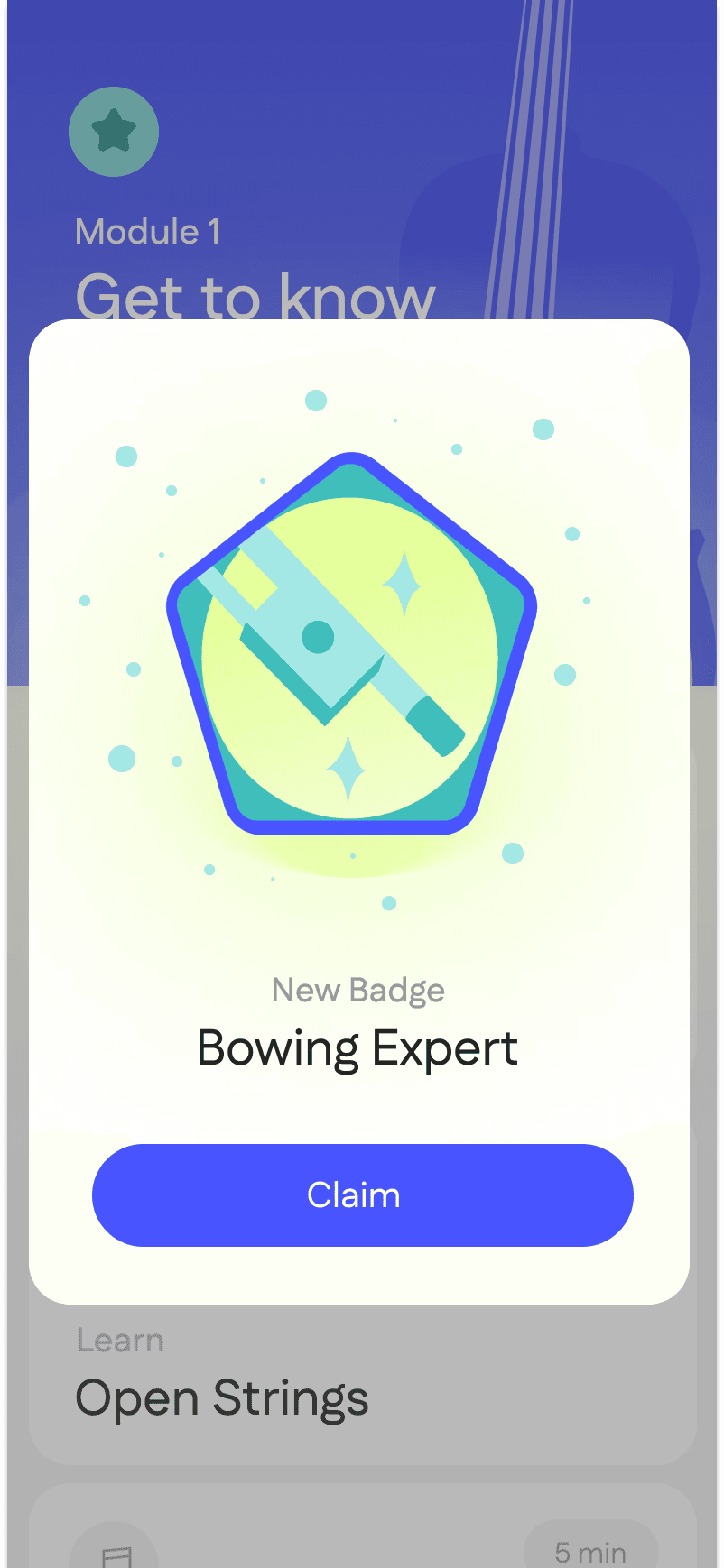
Design Features — Mobile App
ONBOARDING
User connects a the Bridge companion to a mobile device through Bluetooth so users can track their progress.
GUIDED LEARNING MODLES
Each learning module guides users through lessons in a structured and gamified format that reinforces learning.
PROGRESS TRACKER & ENGAGING GAMES
Extra features add interest and provide visual feedback that shows users their progress and ways they can accelerate learning.
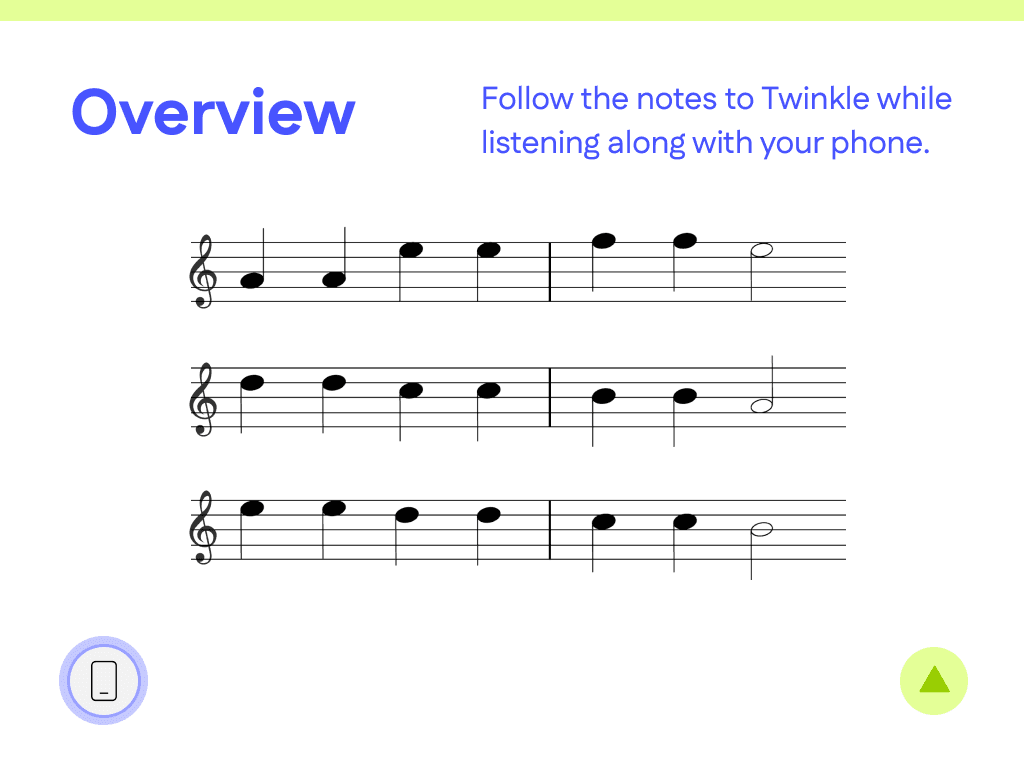
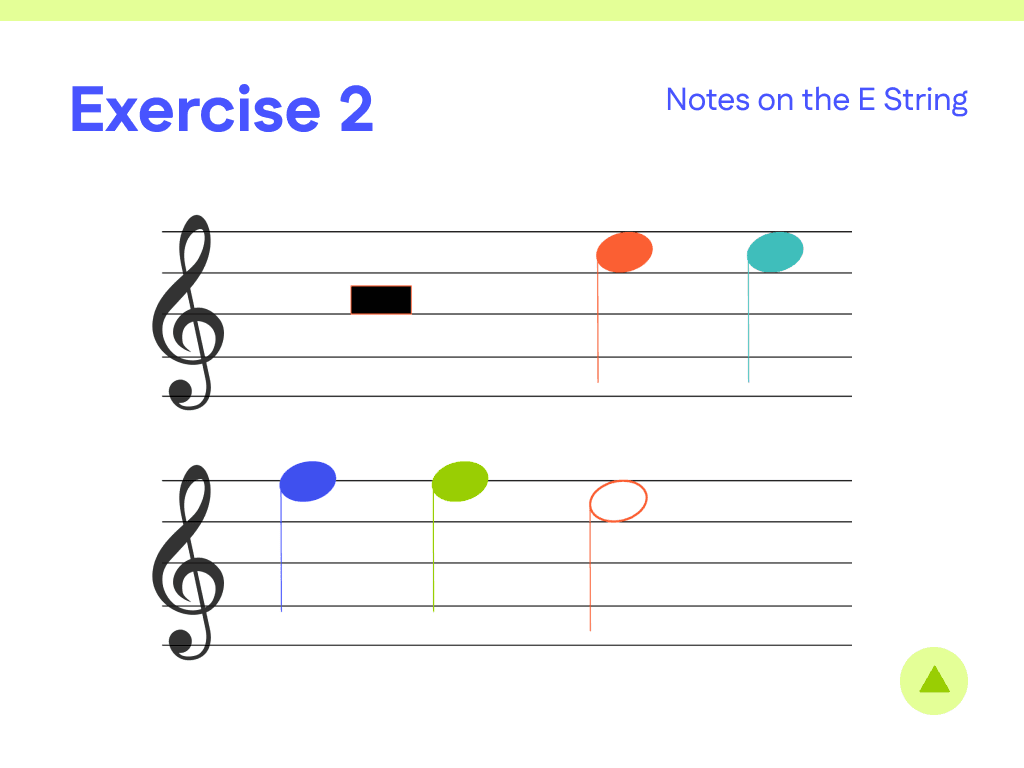
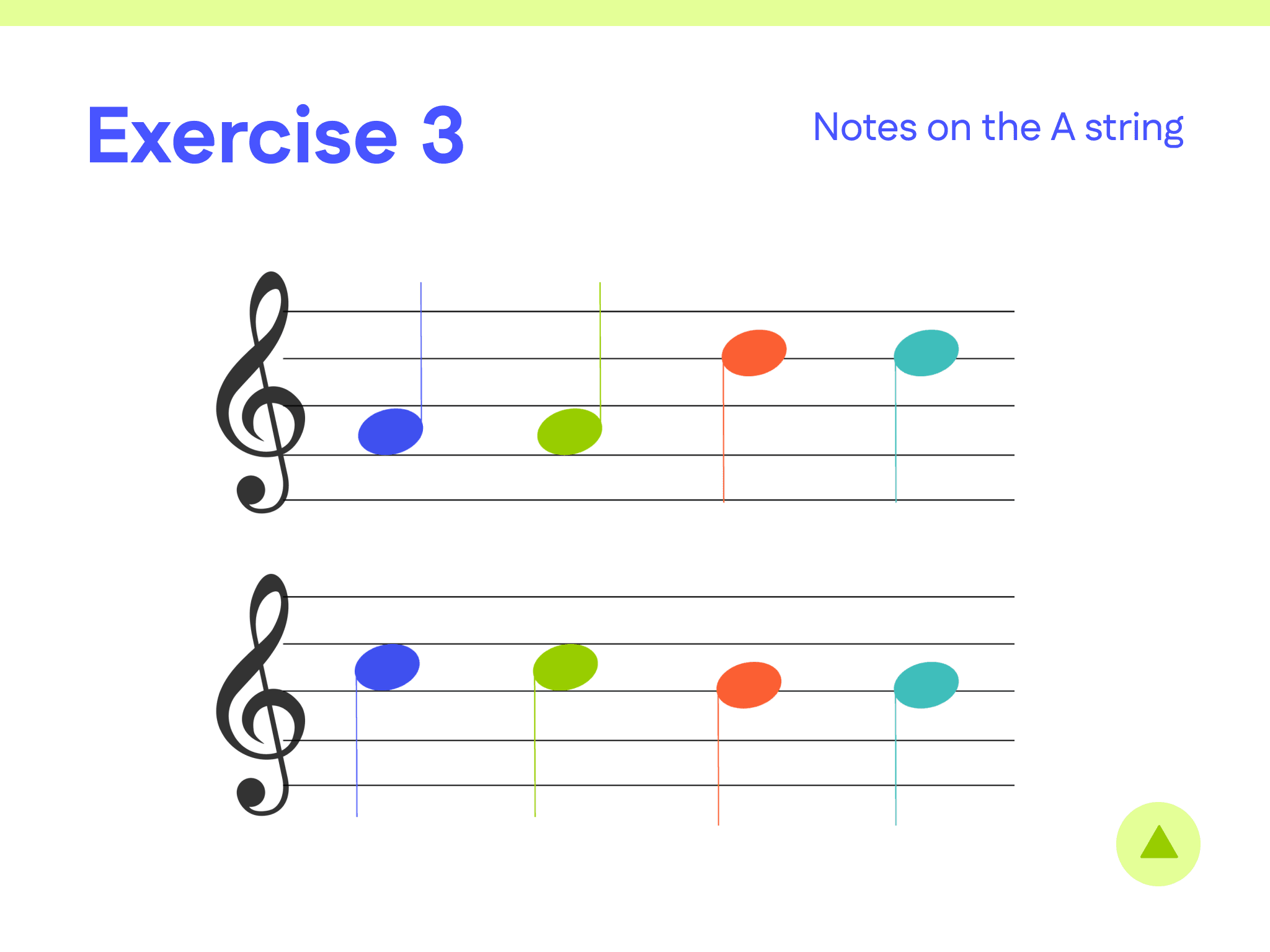
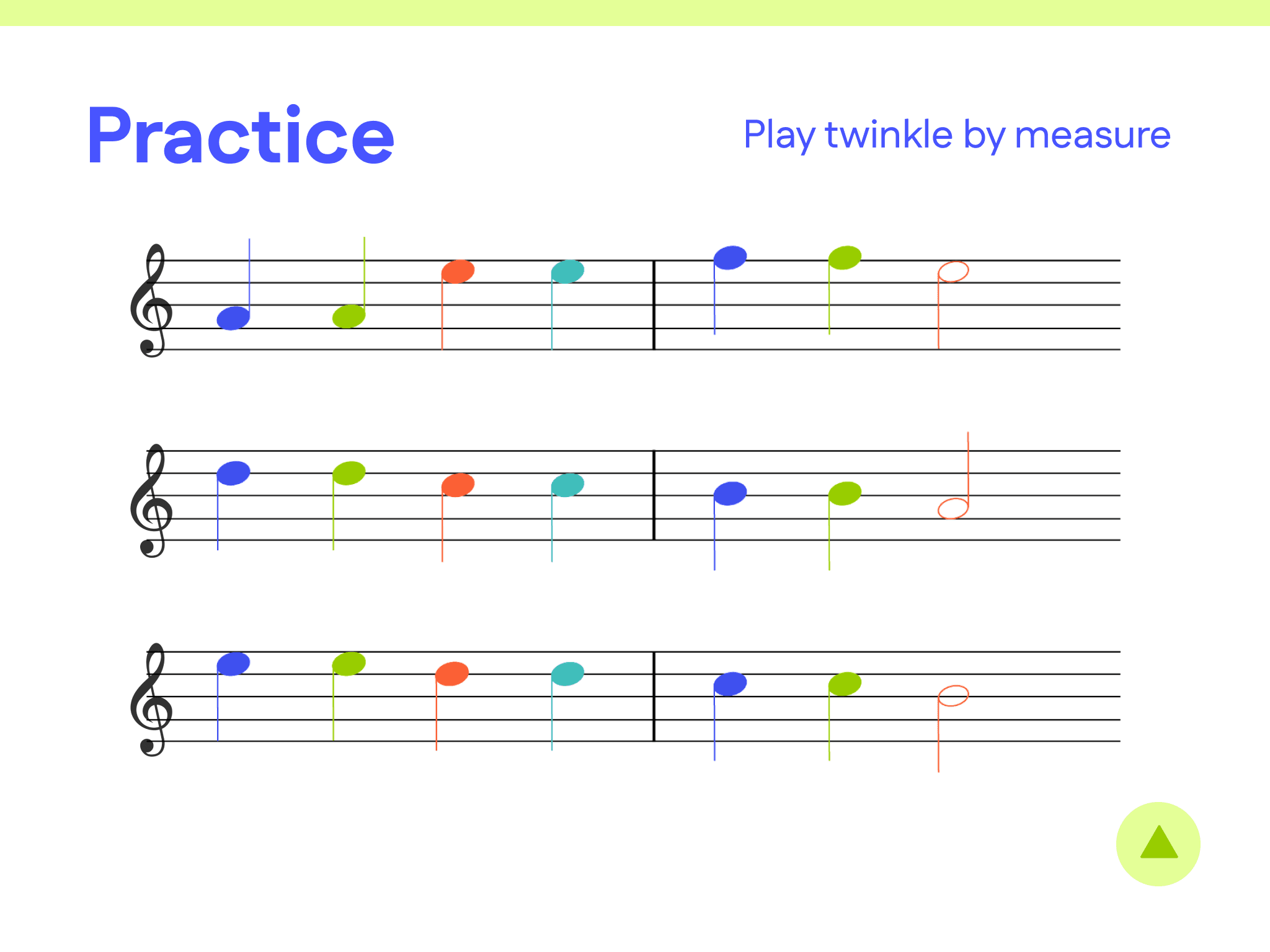
Lesson Booklet — Color Coded Sheet Music






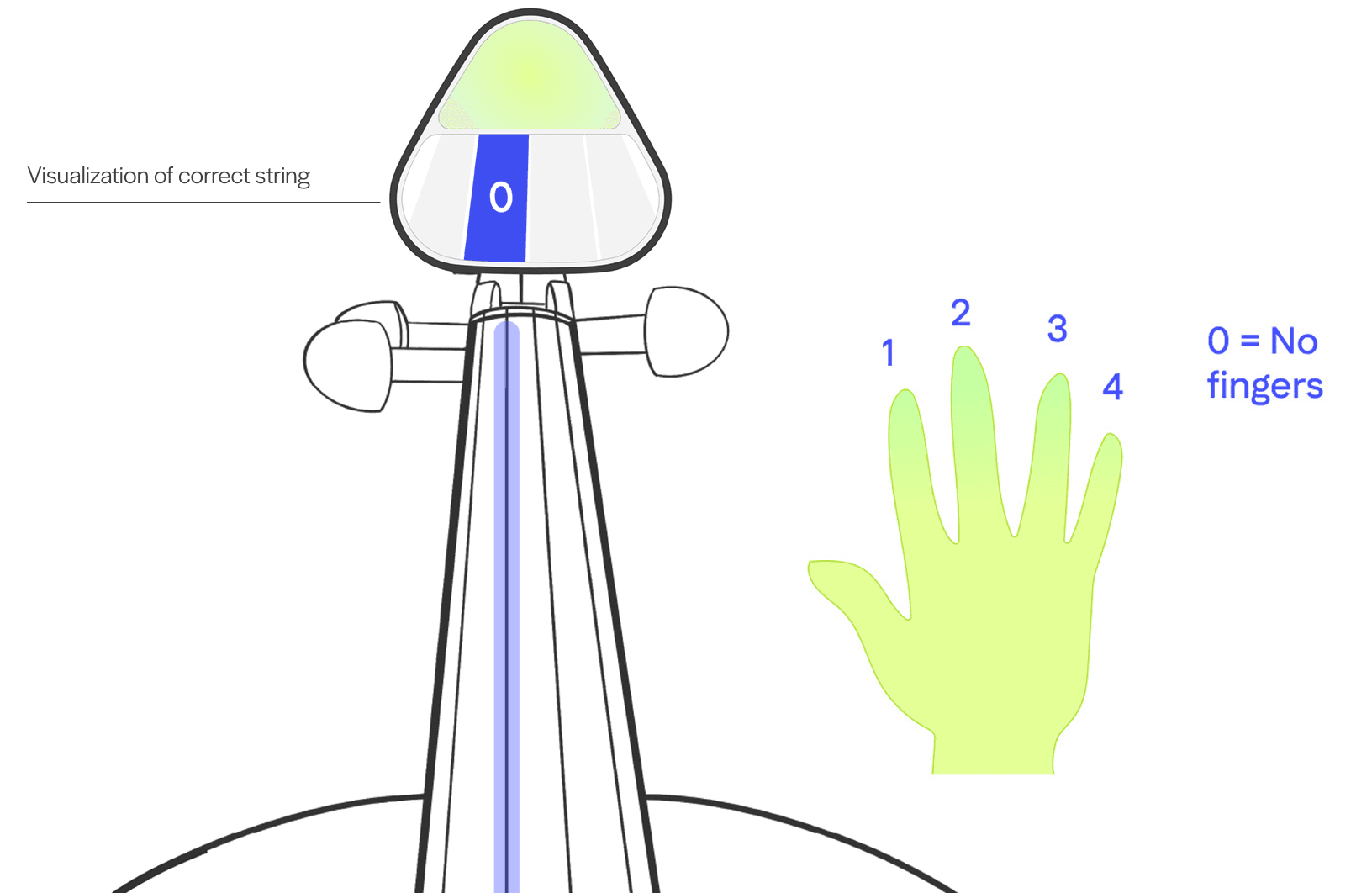
Device Interface

The Impact — Meeting User Needs
USER NEED
MY SOLUTION
Users need to structured information flow and learning
→
Each learning module guides users through the basics in increasing difficulty
Users trust that my product will help them learn
→
The learning experience is authentic to traditional approaches
Users need motivation to practice on their own
→
Gamify the practice experience through characters and rewards to make it more interesting
Users need step-by-step visuals and interactivity when not in person with a teacher
→
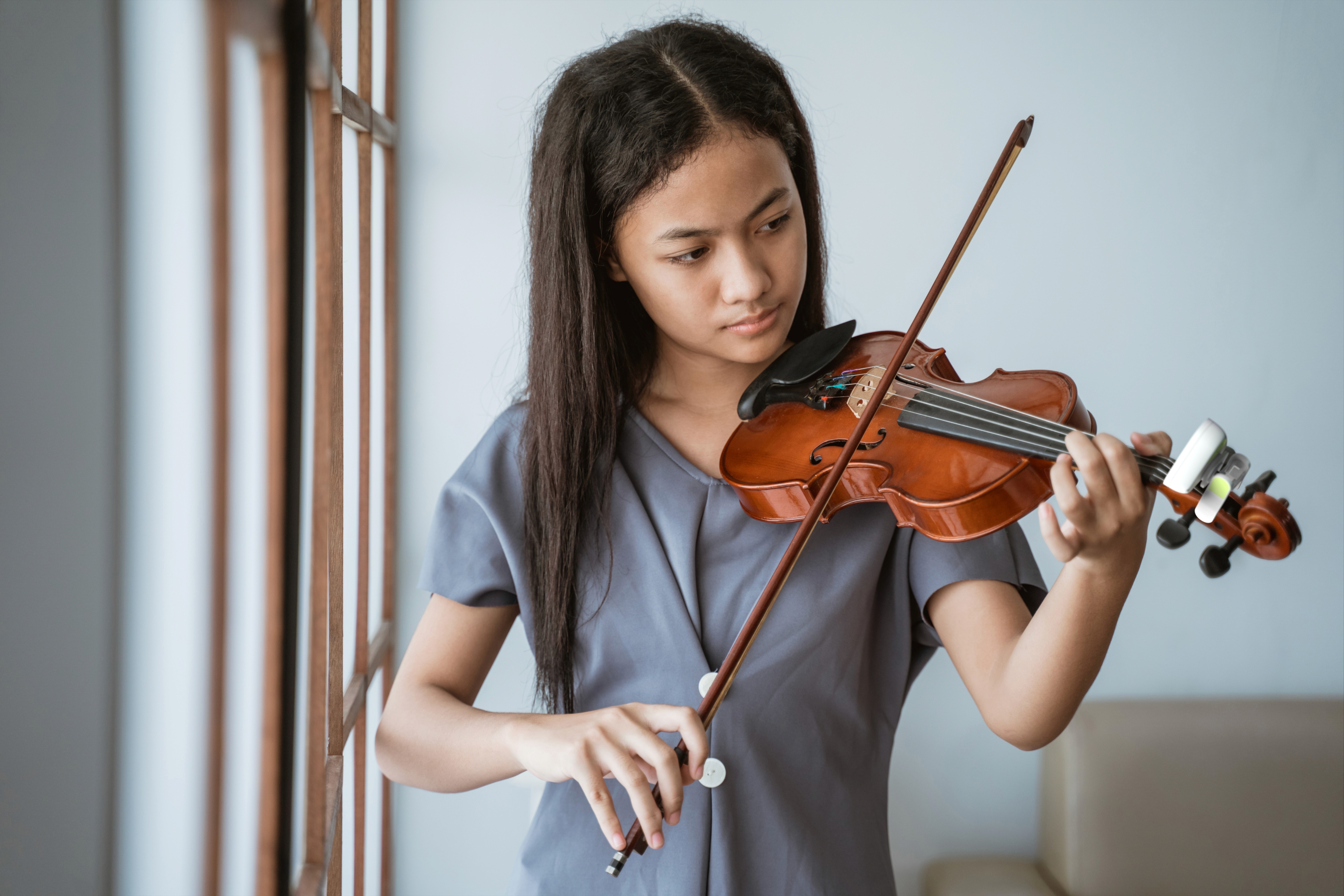
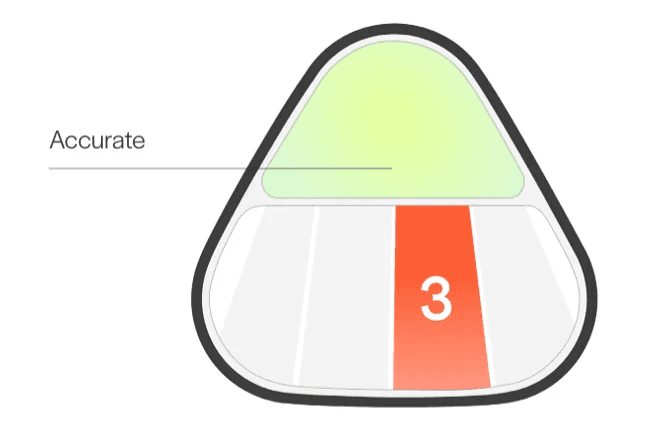
The device shows users which notes relate to finger positions in real time
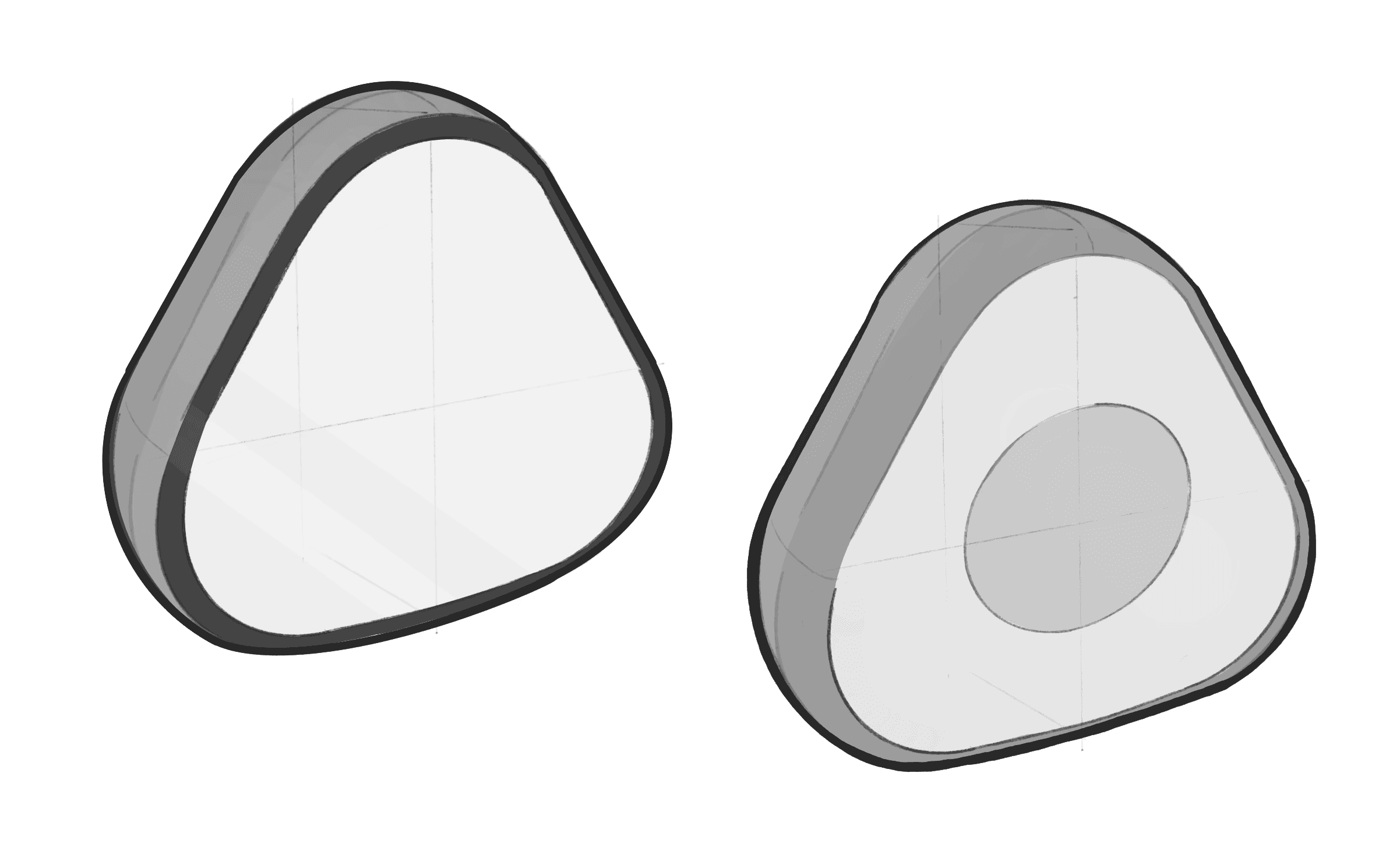
Learning Device — Design Process
SKETCHES

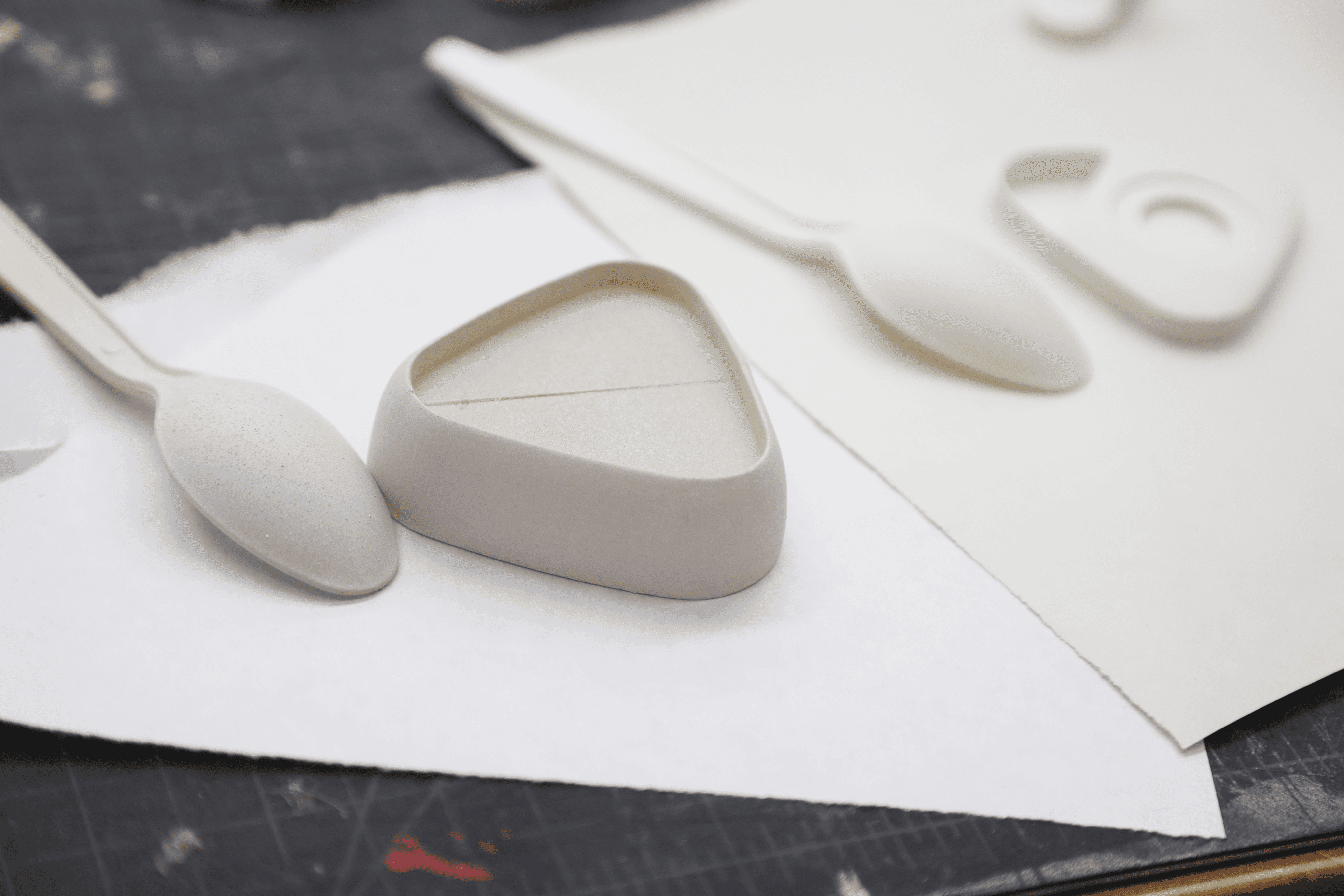
PROTOTYPE